






Attention! Fake e-mails are circulating in the name of KreativMedia Find out more
Info text
Edit and manage your documents online and share them effortlessly with others
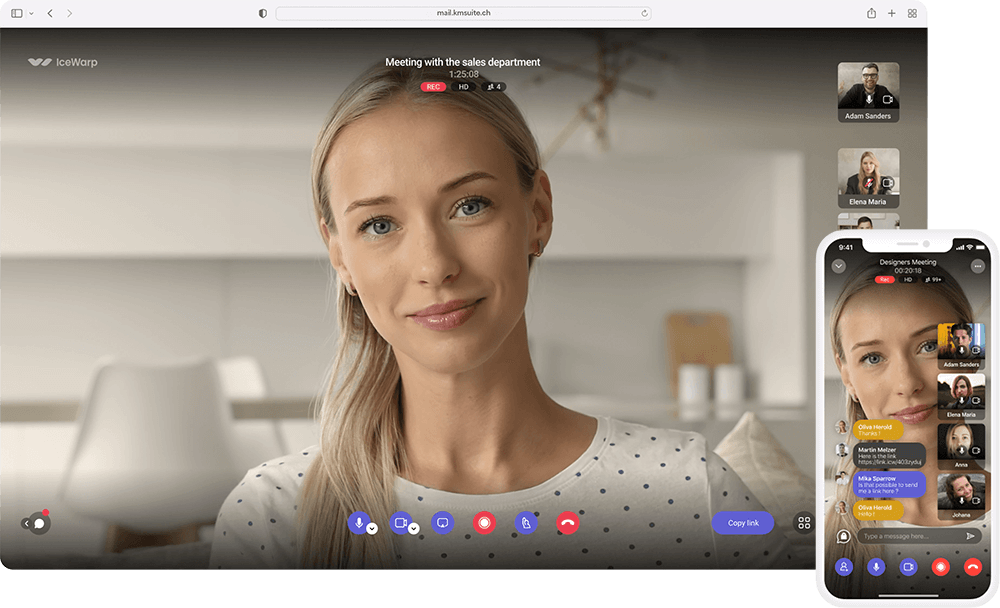
Organize meetings with customers and your team directly in the browser
Synchronize files from your computer directly with the Office Mail storage
Your mailbox with many advanced functions - ideal for individuals.
33% discount
* Applicable for the 1st year
Calendar and contacts
Tasks and notes
Documents, Tables & Presentations
Your all-in-one office solution for your office - with priority on your teamwork.
-30% discount
* Applicable for the 1st year
100 GB SSD storage space
Calendar and contacts
Tasks and notes
FileSync with virtual drive
Video conferences
TeamChat
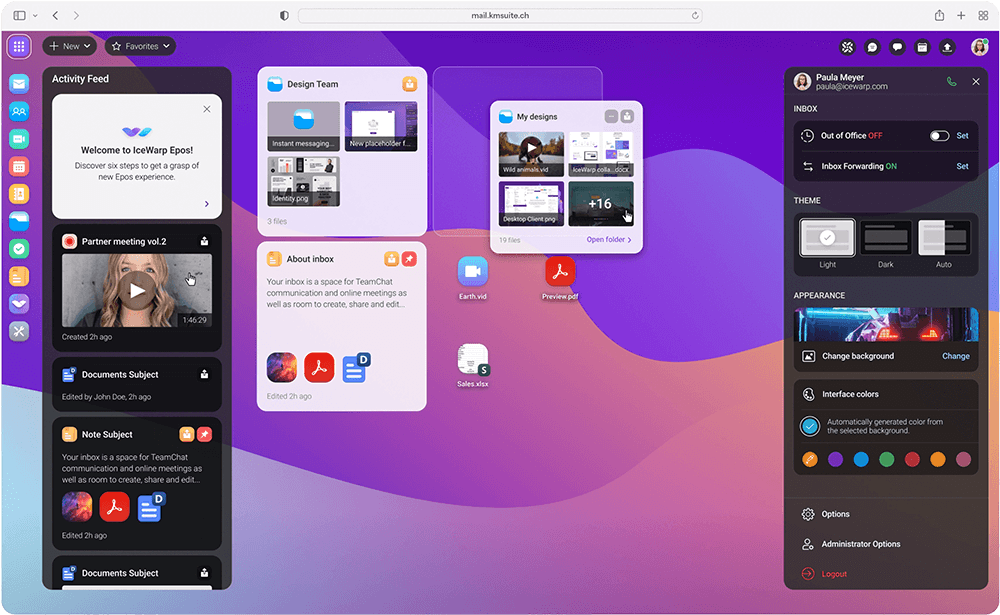
Customizable area for optimal access
Quick access to favorite files and notes
Central location
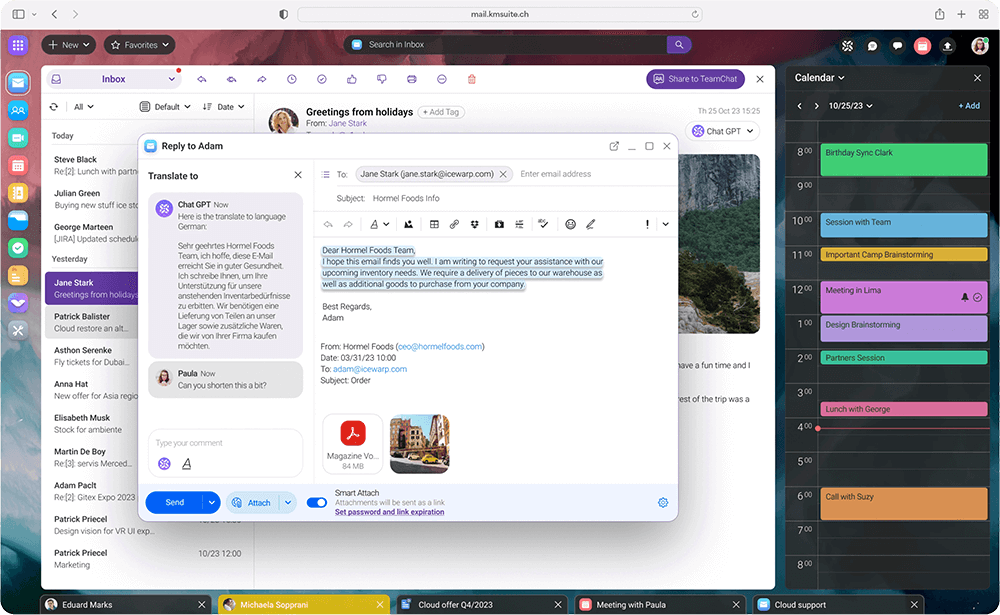
Secure email service with your own domain
Perfectly synchronized on all your devices
Manage messages, contacts and appointments
Synchronize your data with OutlookSync
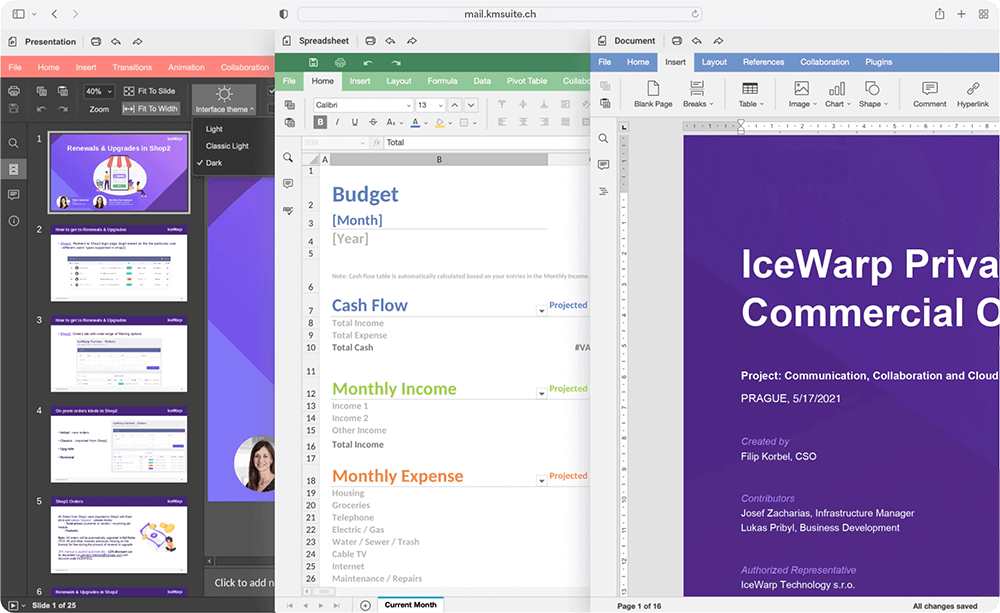
Joint editing in real time
Clear progress overview
Edit documents with desktop apps
Compatible with Microsoft Word, Excel & PowerPoint
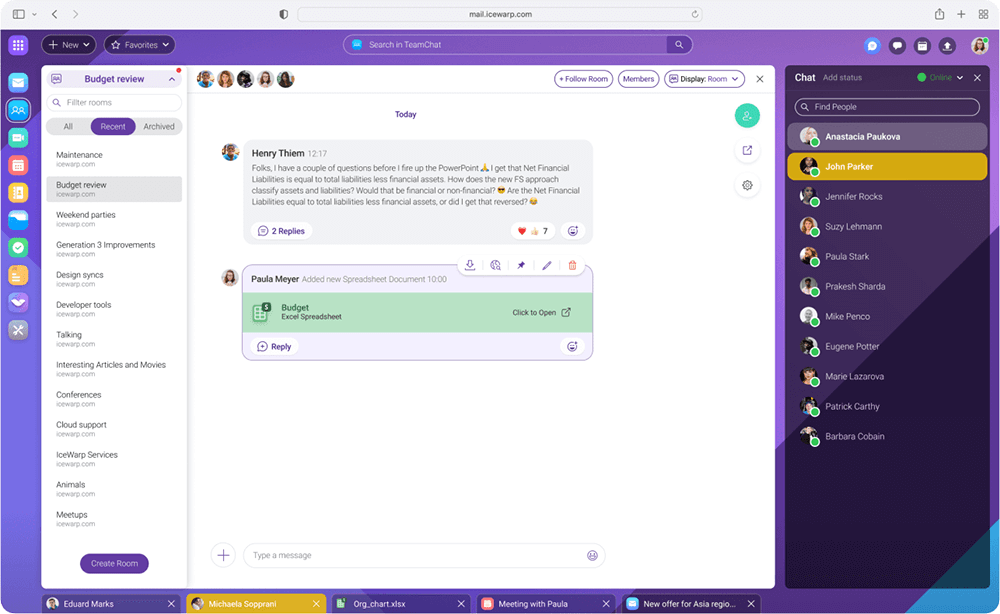
Exchange messages and documents in a team
Ideal for brainstorming and exchanging ideas
Plan meetings directly with TeamChat members
Accessible from anywhere thanks to the mobile app
Start video and audio conferences in seconds
Share your screen
Plan conferences in advance
Accessible from anywhere thanks to the mobile app
Benefit from AI-driven answer suggestions, grammar checks, translation services and many other functions.
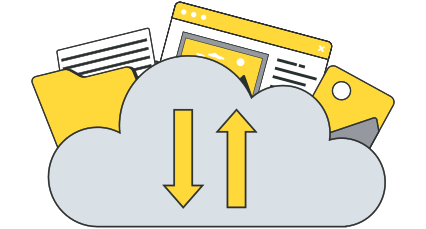
Synchronize all your files from your Office Mail storage directly with your Windows, Mac or Linux computer.
Use Office Mail directly in your browser - no installation required. Access emails, documents and more anytime, anywhere.
Synchronize your emails, calendar, contacts, tasks and notes with Microsoft Outlook.
Spam filter and virus protection
Encrypted online dashboard
Professional support included
Many years of experience and in-depth knowledge set us apart. Give us a call - we'll be happy to help you personally!
Your webmail, server access via email programs, and office elements are protected by SSL.
Optionally protect access to your dashboard with secure authentication in two steps, e.g. via your cell phone.
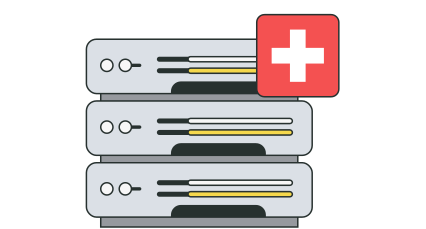
Our servers are located at 3 sites in the IT heart of Zurich, in ISO 27001-certified data centers.
We proactively monitor all servers in order to be able to react to failures as quickly as possible.
We rely on Intel and Supermicro in Class-A data centers, directly connected to internet providers via a 10-gigabit link.
We back up all Office Mail data on all our systems every day and are happy to restore it for you free of charge.
Do you need help moving your emails? We'll be happy to do it for you.
No, all functions such as your emails, calendar, tasks, team chat and document management can be found in the collaboration tool in your browser. You can use all functions online without any restrictions.
All you need is an internet connection and a browser.
If you want to use your mailbox offline, you can set up the account in Outlook or other email programs.
Yes, you can use Office Mail on both your cell phone and your tablet.
On the tablet, you can simply access it via the web browser or the apps IceWarp Mobile and IceChat Mobile if you like the user interface there better.
On the cell phone, we recommend installing the apps for an optimized user experience. Alternatively, you can set up your account via MobileSync to seamlessly synchronize emails, calendars and contacts.
For the best user experience, use Office Mail in your browser.
On your dashboard, you will find all the functions of your license in one interface and can manage and edit your data in real time.
Your emails, calendar, contacts, tasks and notes can also be synchronized with your Outlook via OutlookSync.
With the free FileSync you can automatically synchronize your documents with your computer.
Email inboxes
1
1
Webmail access
Email aliases/forwarding
unlimited
unlimited
An autoresponder is an automatic response from the email address, for example in the event of absence due to vacations.
Secure email traffic
Excellent spam protection
Sometimes you forget to add an attachment right after you hit the "Send" button. It's happened to all of us. Delayed dispatch gives you five extra seconds in case you change your mind.
Contacts
In addition to the daily backup, your emails are automatically archived and can be restored at any time.
With Outlook Sync for Windows, you can continue to use Microsoft Outlook as your local mail program and synchronize your data (email, calendar, contacts, tasks and notes) with OnlineOffice.
MobileSync (Exchange ActiveSync)
Personal calendar
The calendar's sharing function allows you to share your calendar with team members. This allows you to create a team calendar together and manage appointments for departments, teams, etc.
Add resources such as meeting rooms, vehicles, etc. to your calendar and use them for your planned meetings and events.
Create and edit documents in Office formats (text, spreadsheets and presentations) and collaborate with your team in real time. Open email attachments, edit them and send them back to the sender.
Shared document management
Edit documents directly with Microsoft Office or another tool that supports the file formats.
History of file versions
Edit documents directly with Microsoft Office or another tool that supports the file formats.
Audio and video conferencing
Screen transmission
Password protection
Communicate individually with team colleagues via WebChat. Particularly useful for exchanging brief information. WebChat is not connected to TeamChat.
Chat with team colleagues and invite guests to brainstorm and collaborate as if they were sitting at the same desk. Share your ideas, images, documents and comment on those of your colleagues. E-mails can also be written directly in TeamChat with your colleagues.
Provide your external users with free guest access for TeamChat.
Create public and private TeamChat rooms where you can exchange ideas.
unlimited
Authenticator (two-factor authentication)
Tasks & notes
Groupware
Manage and synchronize your data directly in the file manager (Windows, MacOS and Linux).
Download the official IceWarp mobile app. You can use it to manage notes, TeamChat, conferences and your documents.
Server monitoring
24/7
24/7
Daily backups
30 days
30 days
With the help of our DDOS defense solution (with a total capacity of 4.5 Tbps), we protect our infrastructure against DDOS attacks.
Daily malware scan
Our trilingual support team (DE/FR/EN) is there for you 365 days a year. We answer inquiries by e-mail within 2 hours on weekdays from 8 a.m. to 8 p.m. and within 24 hours outside these office hours.
You will find numerous instructions and videos in our extensive support center that will answer your questions about your hosting and your other products.
Contract duration
12 months
12 months
Cancellation period
30 days
30 days
99.9% network availability
In the event of dissatisfaction, you have the right to cancel the contract immediately up to 30 days after placing the order or the start of the contract. Any fees paid will be refunded.